Setting up Serbian e-gov on Linux is basically the "final boss" of Ubuntu configuration.
Guide: Setting up ePorezi (SmartBox) on Ubuntu
This guide explains how to set up the Serbian Tax Administration (ePorezi) portal on Ubuntu using the community-developed Baš Čelik instead of the buggy official Java application.
1. Prerequisites
Ensure your smart card reader hardware is recognized by the system:
sudo apt update
sudo apt install pcscd libccid pcsc-tools
sudo systemctl enable --now pcscd
verify
sudo systemctl status pcscd
if you have a card inserted you can read it
pcsc_scan
2. Install Baš Čelik (The Interface)
Instead of the official SmartBox, we use Baš Čelik because it is native and stable.
- Download the latest
bas-celik.linux.amd64.tar.xzfrom GitHub Releases. - Extract the archive and enter the directory.
- Install it system-wide:
sudo make install
3. Install the MUP Driver (The Middleware)
The official trustedge package often lacks the necessary .so library for Linux. Use the open-source alternative:
- Download
libsrb-id-pkcs11.sofrom srb-id-pkcs11 Releases. - Move it to a permanent location:
mkdir -p ~/lib
cp libsrb-id-pkcs11.so ~/lib/
4. Configuration
- Open Baš Čelik.
bas-celik
- Click the Gear Icon (Settings).
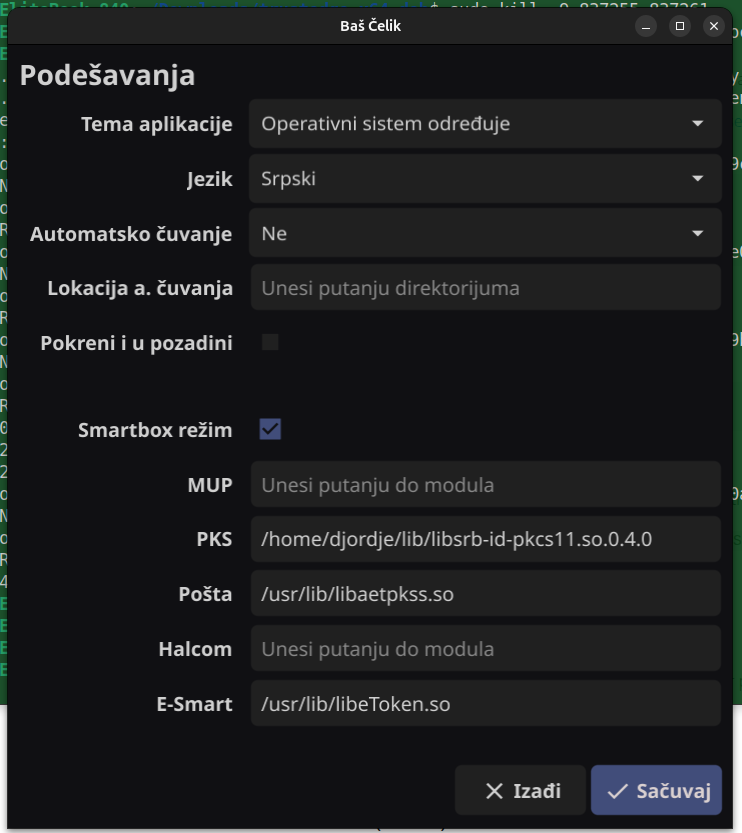
SmartBox Mod: Toggle to ON. (This allows the app to mimic the official ePorezi software).
PKCS#11 Moduli: Click + and select the path:
/home/YOUR_USER/lib/libsrb-id-pkcs11.so.Restart the app.
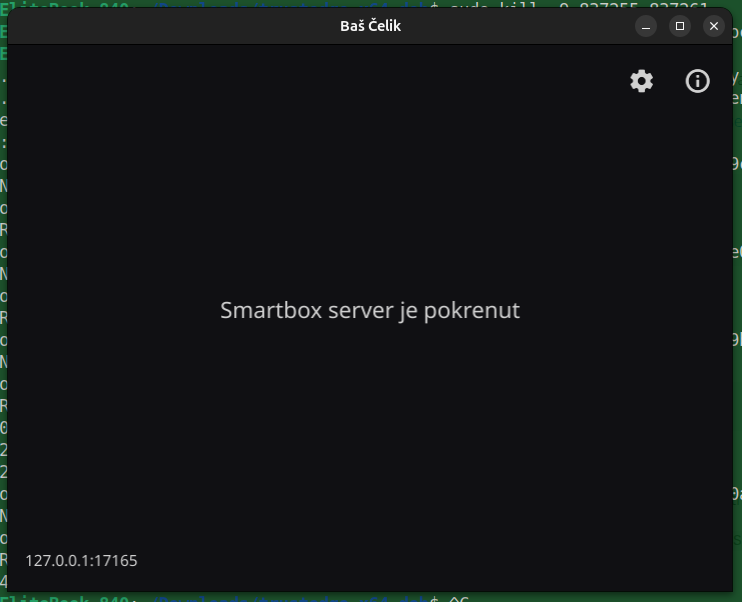
6. How to Log In
- Open Baš Čelik and ensure it started in SmartBox mode.
- Leave the app running in the background.
- Go to eporezi.purs.gov.rs.
- Click Пријава путем SmartBox апликације.
- Enter your PIN in the Baš Čelik popup.
Browser Note (SSL Fix)
If the browser doesn't see the app, go to https://localhost:20806 in a new tab, click Advanced, and Proceed to localhost (unsafe). This whitelists the local communication.